Capture by FlorindoLAB
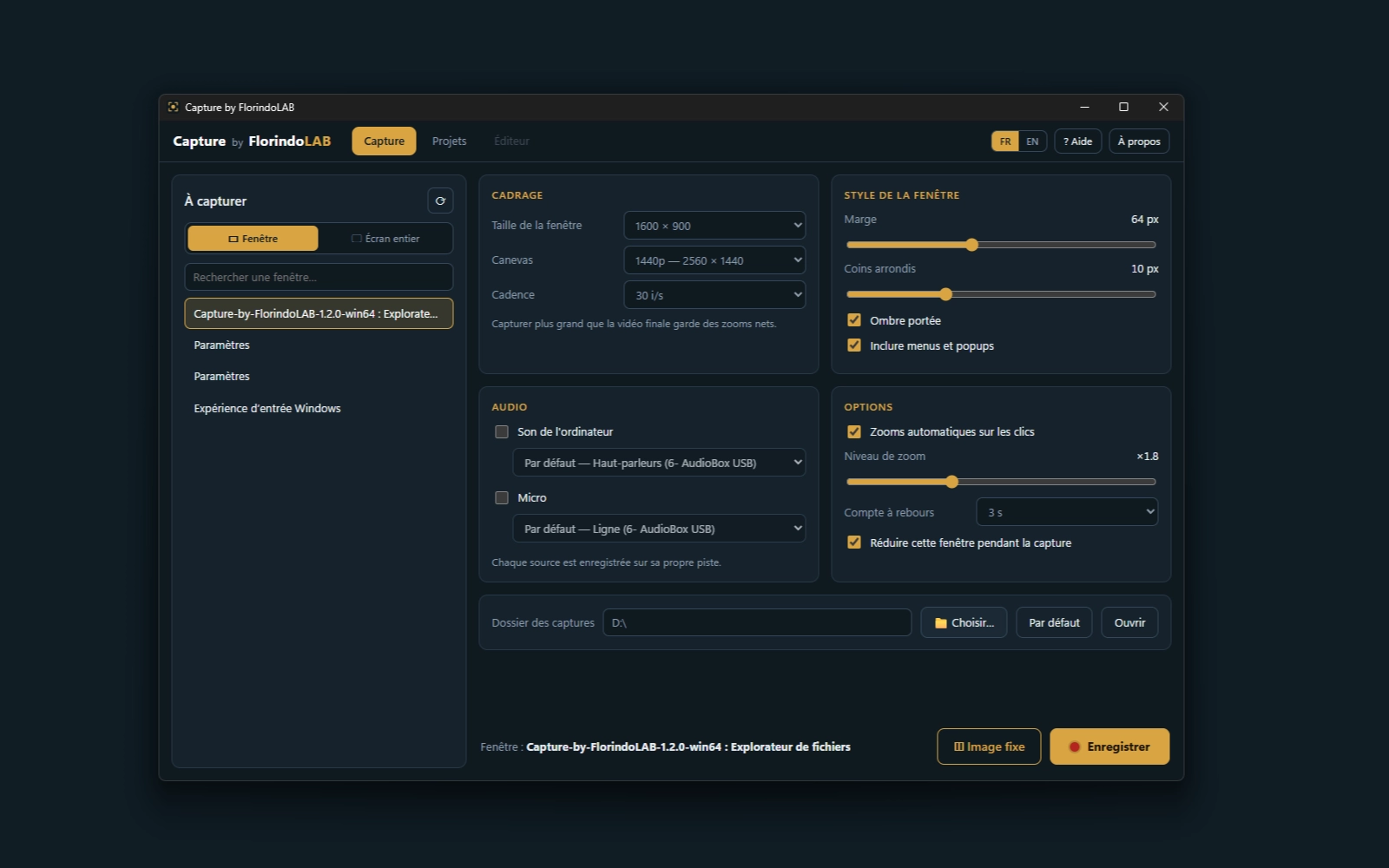
Window recording with transparency, a redrawn cursor, automatic zooms on clicks, separate audio tracks and a mini editor. Export a transparent MOV for Resolve, or MP4 for YouTube and Instagram.
I built Capture by FlorindoLAB to make the presentation videos of my own tools. It records a single window,
cleanly cut out on a transparent background, with margins, rounded corners and a drop shadow. The cursor
is recorded separately and redrawn sharp, and zooms are placed automatically on your clicks.
After recording, a small editor lets you cut, reorder and speed up sections, add transitions, text, arrows,
boxes, spotlights or blurs, and adjust system sound and microphone separately. It isn't a video editor: it's
made to get a ready-to-use file out fast.
One click exports to the right format: ProRes 4444 MOV with transparency for DaVinci Resolve, MP4 for
YouTube (1080p, 4K), vertical for Instagram and Shorts, transparent WebM for the web, or a PNG sequence.
Several formats can be exported in one go.
Portable version: nothing to install. Interface and user guide in English and French.
Screenshots