Overlay Guides by FlorindoLAB
Display composition guides (thirds, golden ratio, diagonals…) on top of any software.
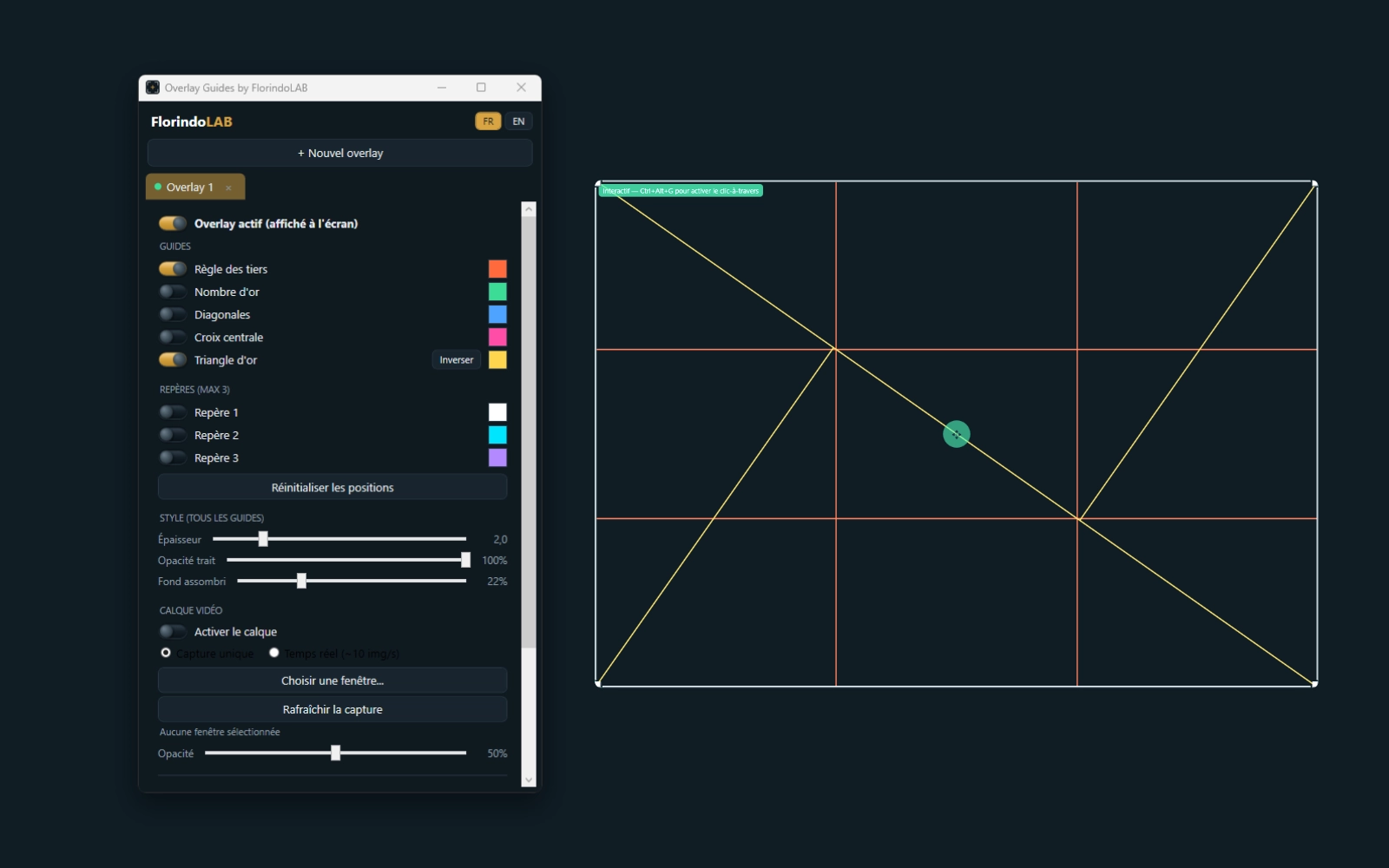
Overlay Guides displays composition guides (rule of thirds, golden ratio, diagonals, center cross, golden triangle) in a transparent window placed over your working area: Blender, an editing application, a video player…
Place up to 3 numbered markers to compare your camera axes, open several overlays in tabs, and overlay another window (for example an exported shot) with adjustable opacity. The Ctrl+Alt+G shortcut turns on click-through mode: clicks pass through the overlay to your software.
Free, portable (no installation), no Internet connection needed, interface in French and English. Windows 10 or 11, 64-bit.
On first launch, Windows may show "Windows protected your PC" because the file is not yet signed: click "More info", then "Run anyway".
Screenshots